Turn one video into a Top 10 Short.
Create a ranking with footage you already have. Add timed captions, then turn a frame from the same video into a cover.
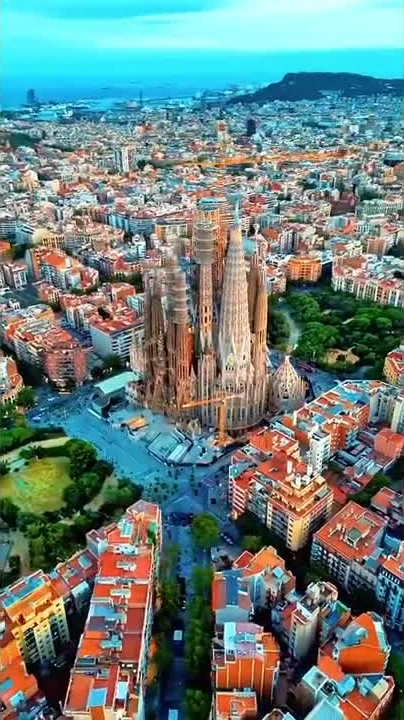
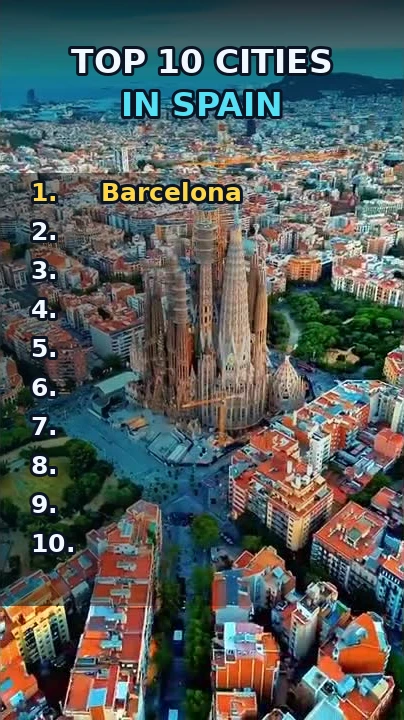
See what changes.
Watch the same ten-city montage side by side, then see how to add captions and create a cover in the same editor.
Demo made with Rang Studio from the creator’s own footage.
From footage to a finished Short.
Import your video
One video, or one clip or photo per rank. Cut the start and end if needed.
Let it find the scenes
Click Detect scenes: each name appears exactly when its shot starts. Then just type your names.
Style, sound, export
Pick a one-click style, add a reveal sound, music and captions, then export a vertical 1080 × 1920 video.
- ✨ Automatic scene detection
- 🎨 6 one-click style templates
- 🔊 Reveal sounds and background music
- 💬 Captions (type or import SRT)
- ⏳ “Wait for it” screen, progress bar and end screen
- 📱 TikTok, Shorts and Reels safe zones
- 🖼️ Cover image (PNG)
- 🌍 11 languages
Get the downloadable editor.
- Open the editor in Chrome or Edge on your computer and work offline.
- Your footage stays on your device. Nothing is uploaded.
- Includes 3 ready-made examples, a step-by-step guide and 11 interface languages.
USD · One-time payment · No subscription · 30-day money-back guarantee
Offer preview. Checkout is not open yet.
Frequently asked questions
How do I get started after purchase?
Download Rang Studio from your JVZoo access page, open the file in Chrome or Edge, and import your first video. There’s nothing to install, and the editor works offline.
Can Rang Studio place the names for me?
Yes. Click Detect scenes automatically: Rang Studio finds each change of shot and sets the number of ranks and their timing. You only type the names.
Can I control when titles appear?
Yes. Use scene detection, keep the even spacing, or set each reveal time yourself.
How do I add captions, music and a cover?
Type captions or import an SRT file, add your own music with a separate volume and fades, and download a PNG cover from any frame.
What file formats can I export?
Vertical 9:16 video at 720 × 1280 or 1080 × 1920. Recent Chrome and Edge export MP4; other browsers may export WebM.
Can I post the result to social media?
Yes, as long as you have the rights to your footage and music. Rang Studio is designed for your own videos and photos.
How do I get help?
Use the “Need Help” button on your JVZoo purchase page to message us.